
Client Portal
Everything about your remodeling project in one secure place.
Tool Box Masters provides a secure online portal, powered by JobTread, to help keep your project organized from the first estimate through final completion. You can follow updates, send messages, review schedules, access documents, view progress photos, approve work, and keep important project details easy to find.
A clearer way to follow your remodel
Instead of scattered texts, emails, and loose files, your Tool Box Masters client portal keeps project communication in one organized place. You can log in anytime to see what is happening, review documents, respond to messages, and stay connected with our team.
When you receive your portal invitation from Tool Box Masters, use the same email address connected to your project when logging in or creating your password.
What you can do inside your client portal
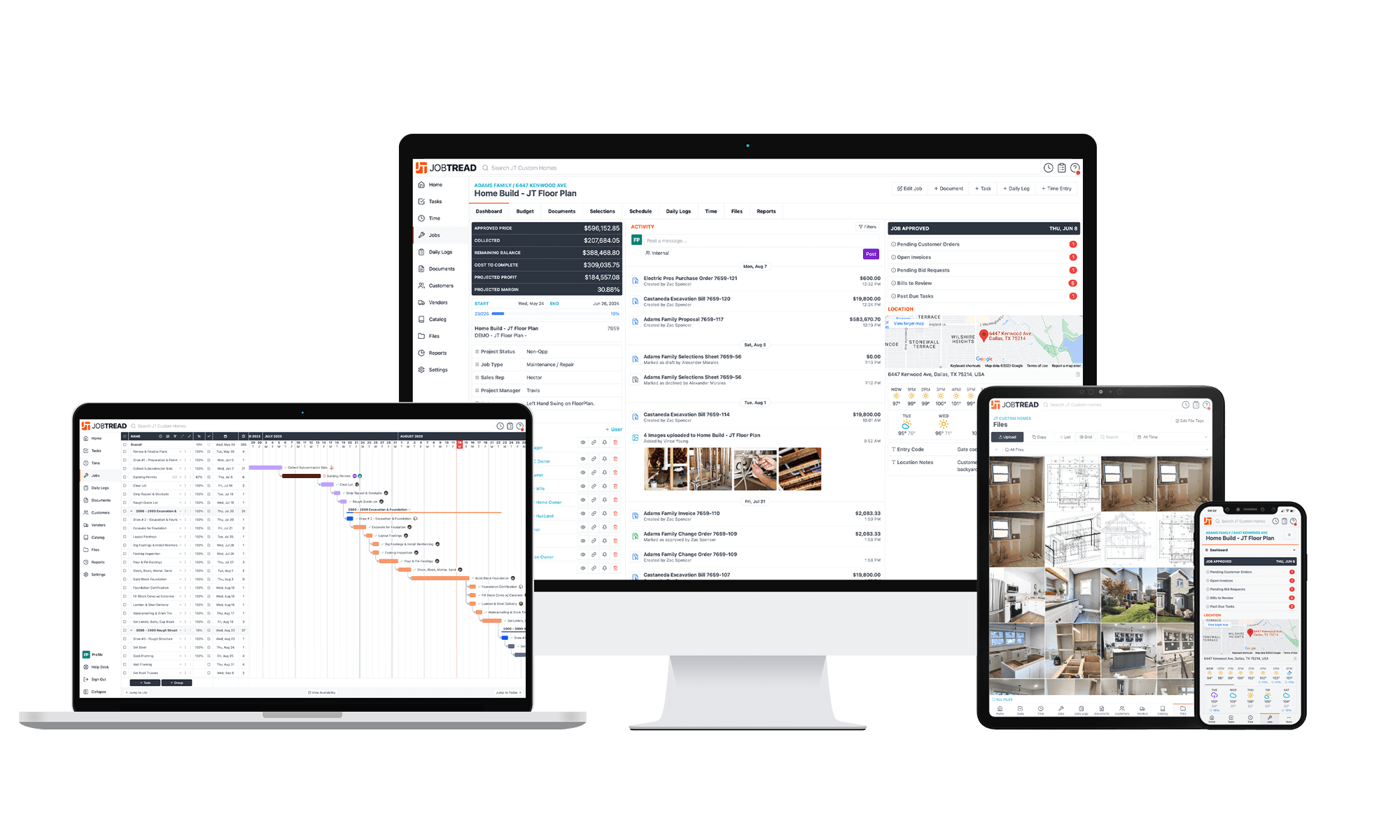
All Communication in One Place
Easily monitor the project as new updates happen, without needing to be on-site and keep everyone on the same page while eliminating the need for multiple communication channels.
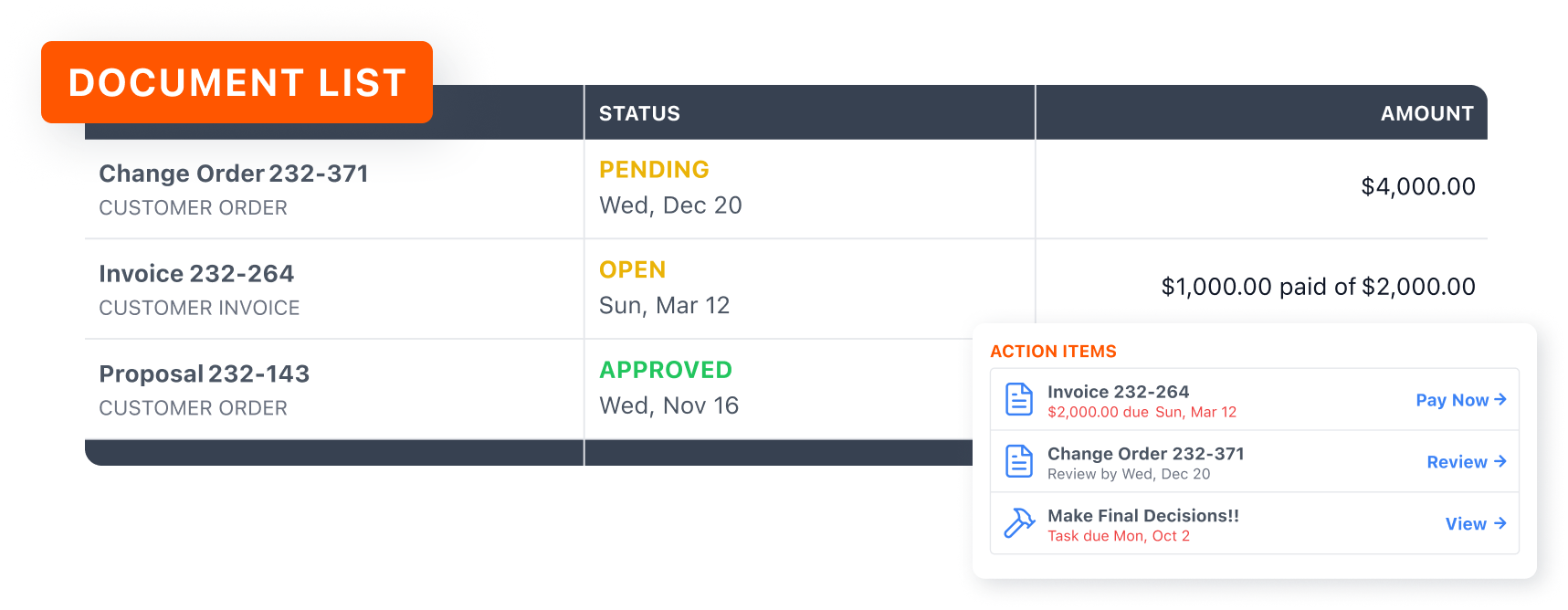
View Job Documents
Quickly access all documents, photos, and other project-related information in one location. This can include estimates, change orders, and invoices.
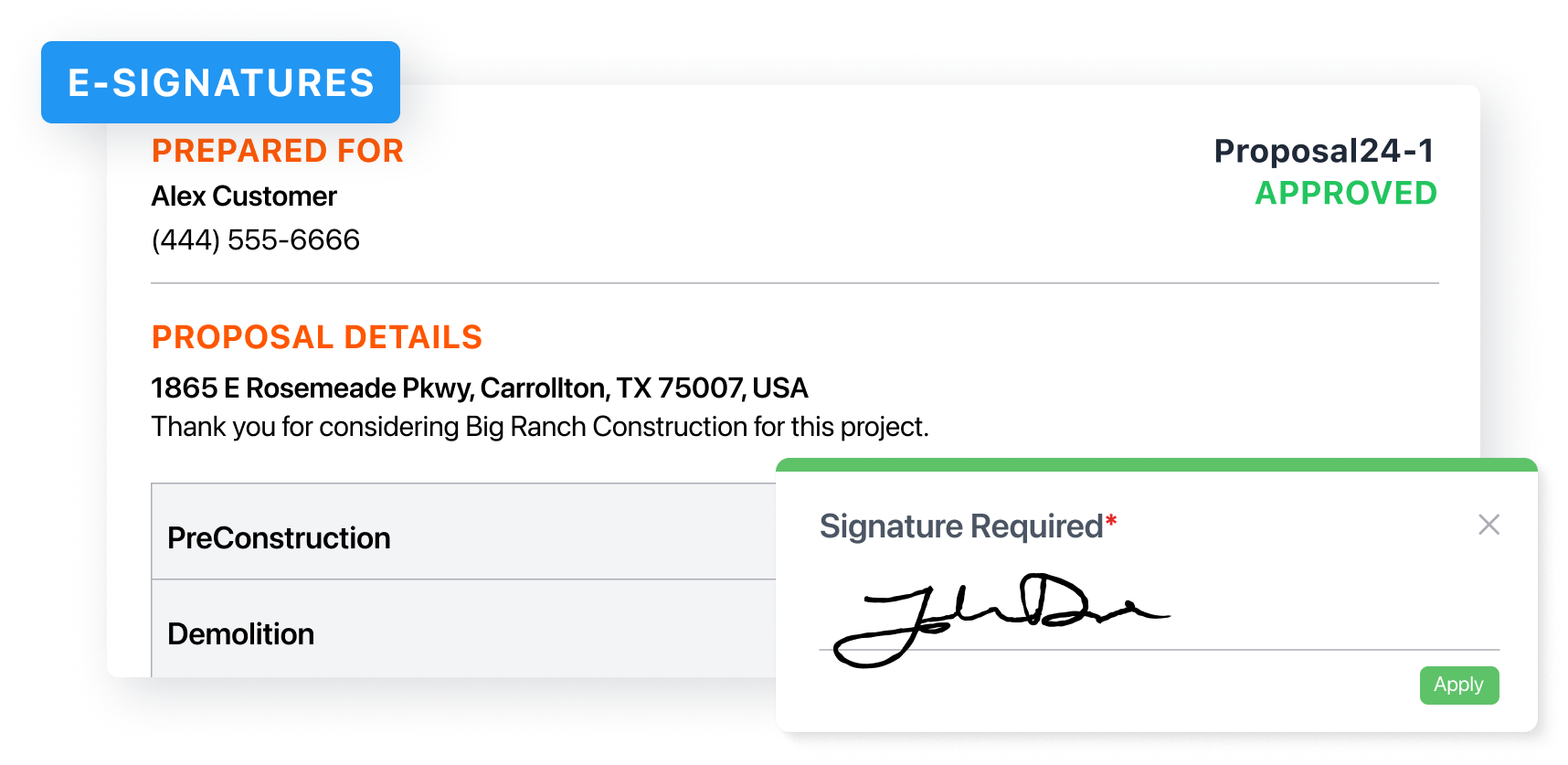
Digitally Approve Work
Review and sign proposals, view invoices, and make payments for the work performed.
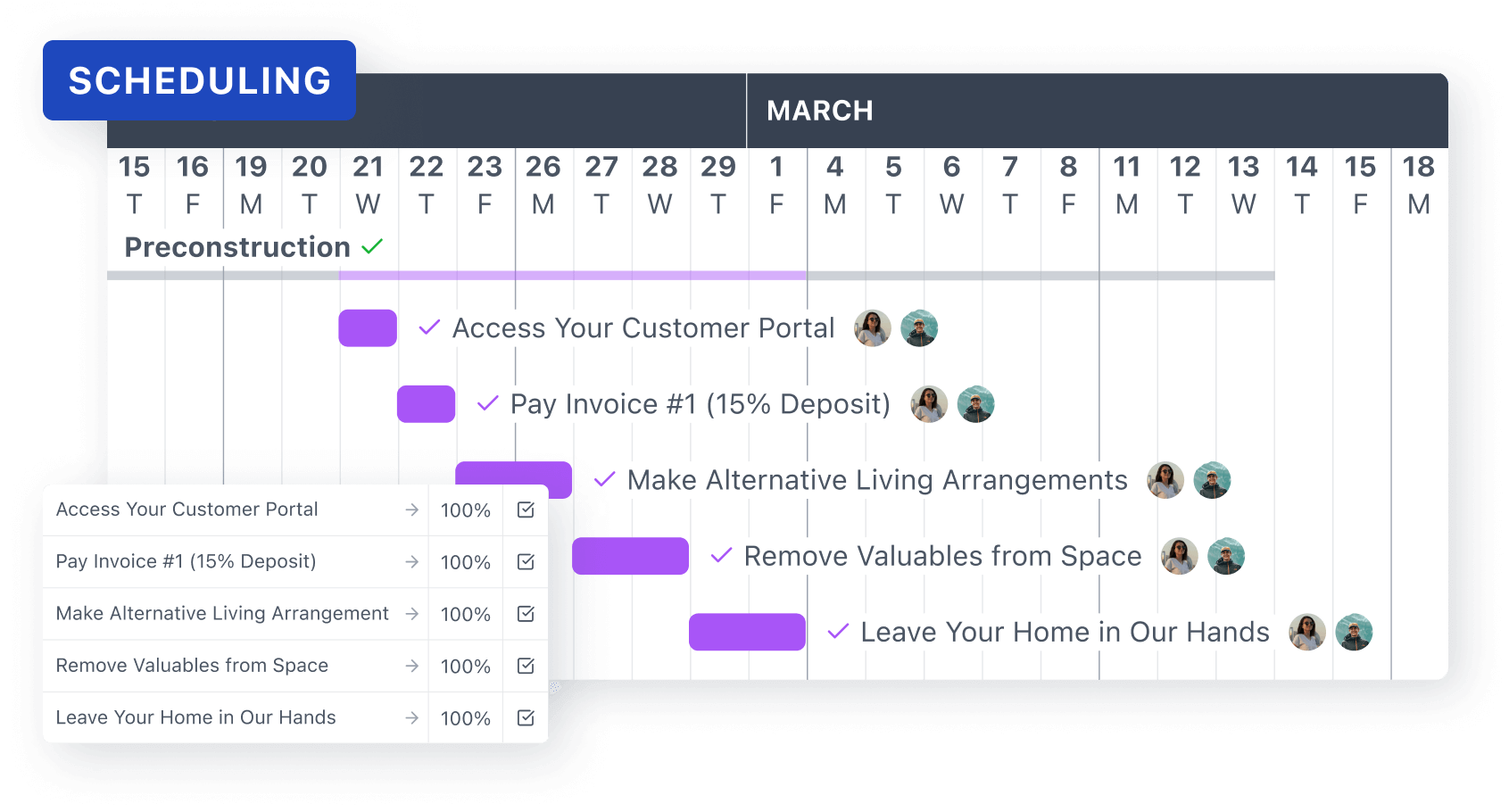
Scheduling
Have full visibility into a construction project's schedule every step of the way. No more guesswork or waiting for updates - easily log in anytime to see what's been completed, what's coming next, and when major milestones are expected to be reached.
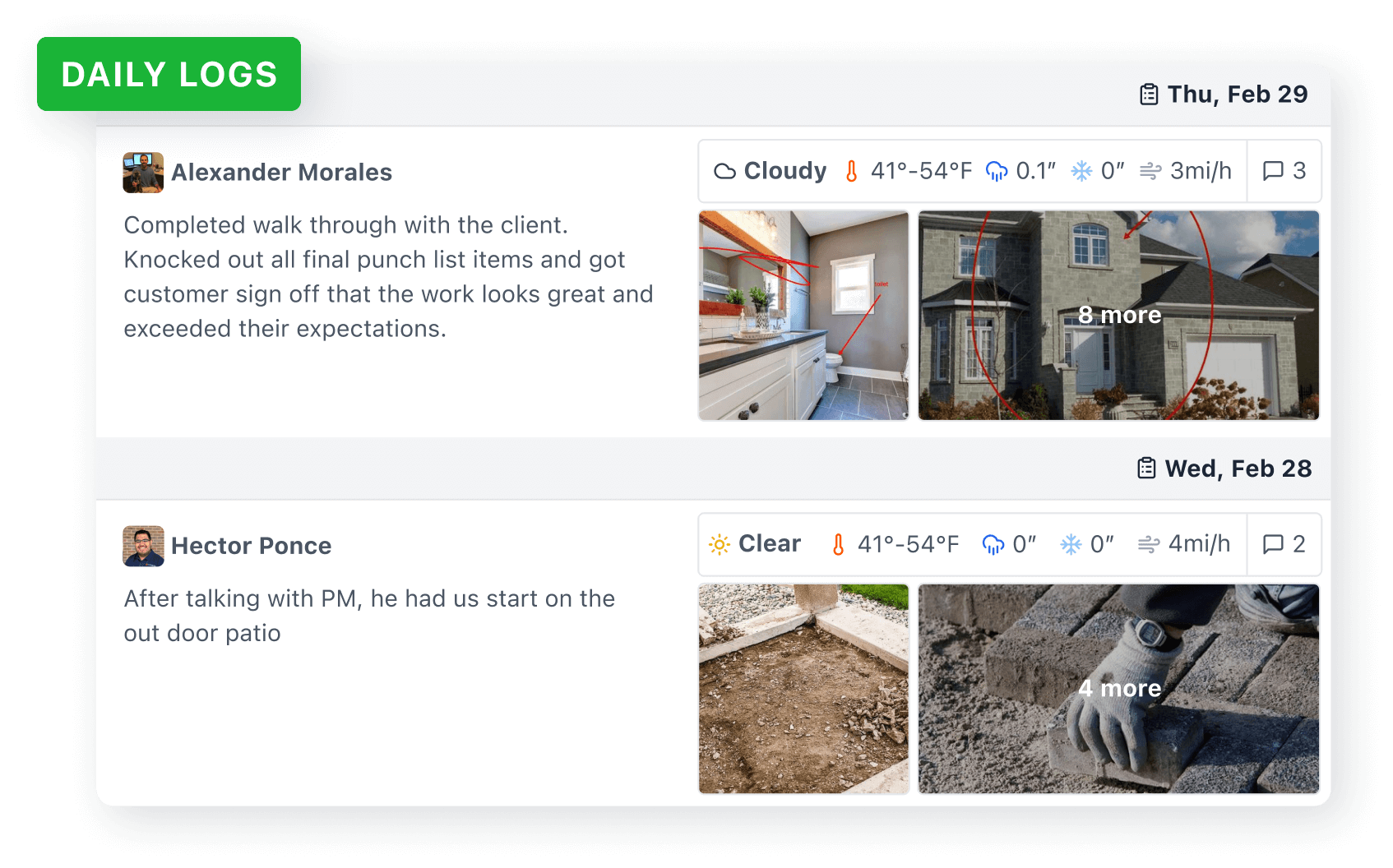
Daily Logs
Stay in the loop about what's happening on the construction site, even when you can't be there in person. View detailed updates on the progress made, tasks completed, and any notes from the crew.
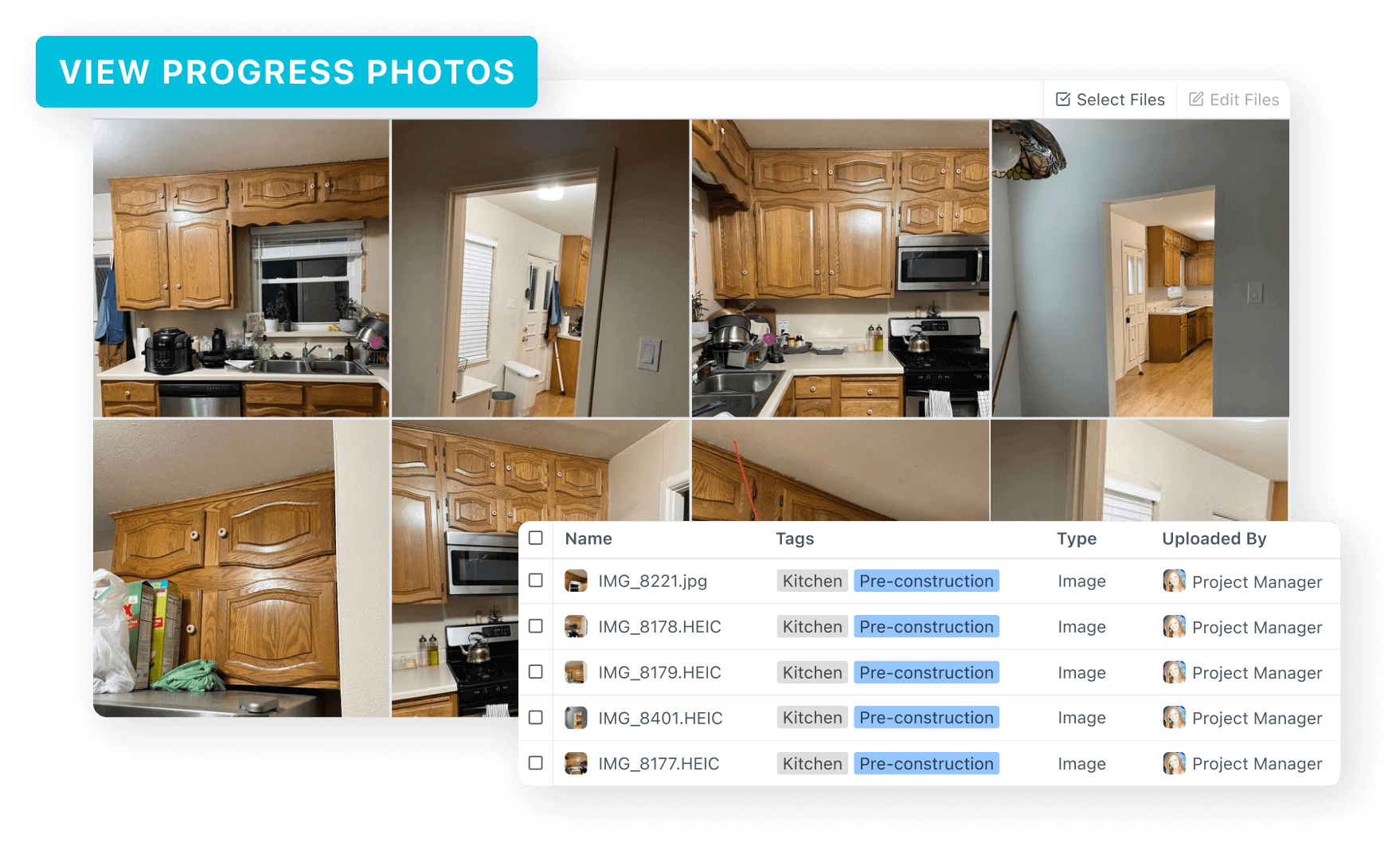
View Progress Photos
Visually track the transformation of the construction project, no matter where you are, with easy to access photos detailing job progress.
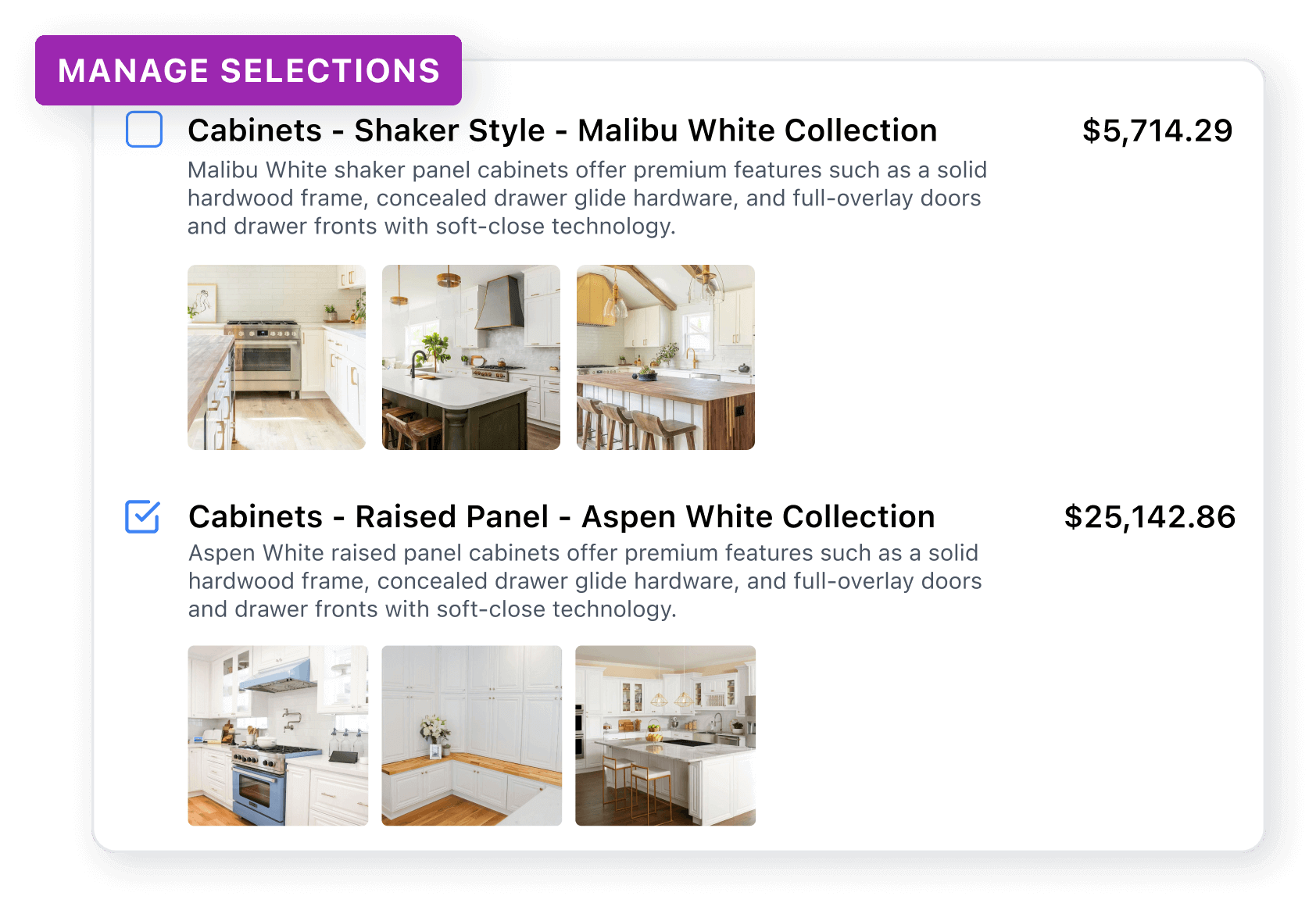
Manage Selections
Managing choices for your project has never been easier. From materials and finishes to fixtures and colors, view all of your selections in one place, keeping everything organized and clear.
How to access your portal
Accept your invitation
Check your email for a client portal invitation from Tool Box Masters. If you cannot find it, check your spam folder or contact us and we can resend it.
Open your project dashboard
After logging in, you will see your project dashboard with messages, updates, files, schedule information, and other details related to your remodel.
Create a password
Use the same email address from your project invitation. Setting a password makes it easier to access the portal from your computer, tablet, or phone.
Use the portal first
For project questions, design ideas, photos, documents, schedule questions, or approvals, start in the client portal so everything stays documented and easy for our team to track.
Need help?
- If your invite is missing, check spam or junk mail.
- If you forgot your password, use the Forgot Password option on the portal login screen.
- If you are using a phone, open the portal in Safari on iPhone or Chrome on Android.
- If you are stuck, contact Tool Box Masters and we will help you get into your portal.
Portal support
If you have trouble signing in or finding your project invitation, contact Tool Box Masters and we will help you get access.
